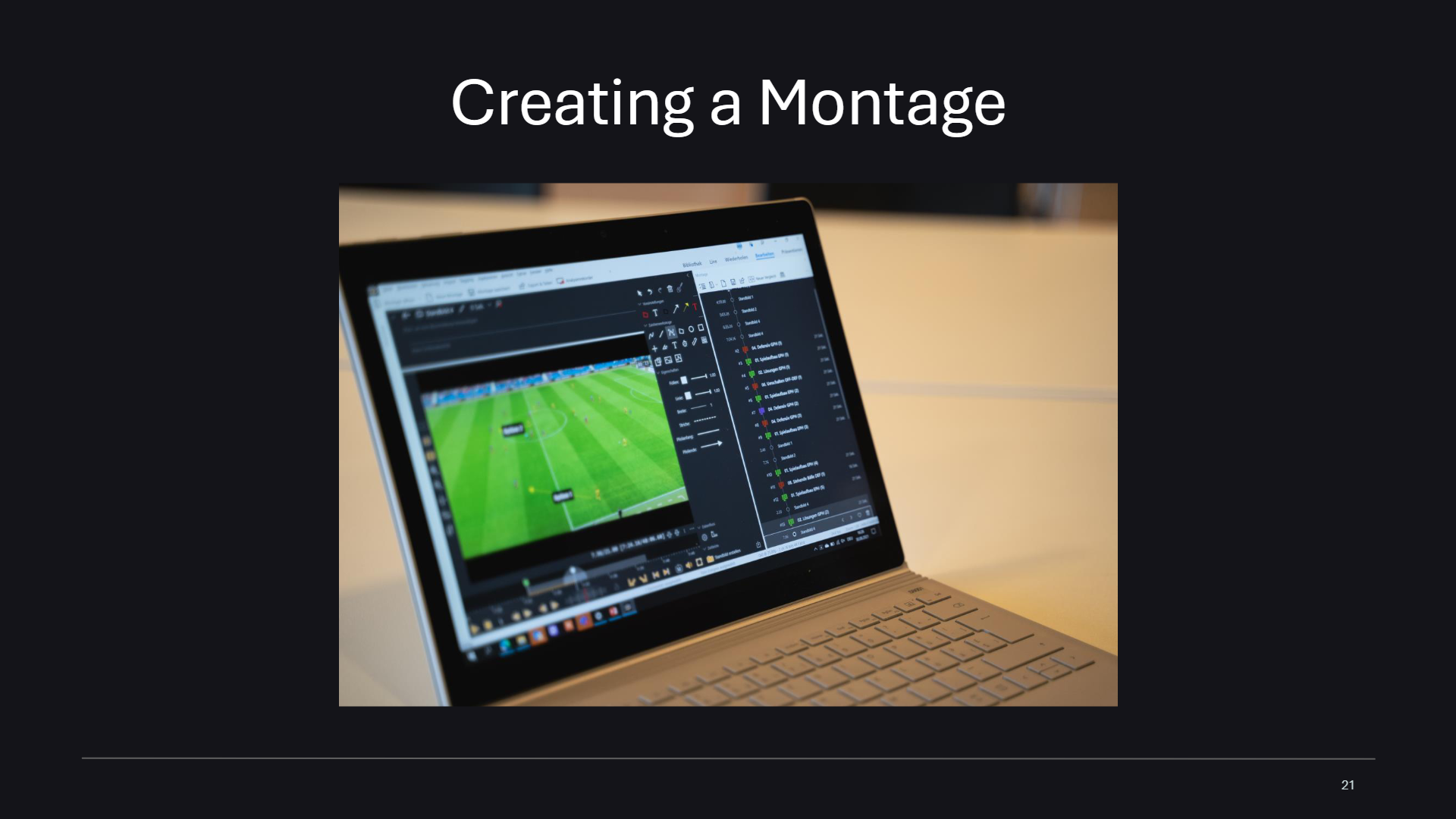
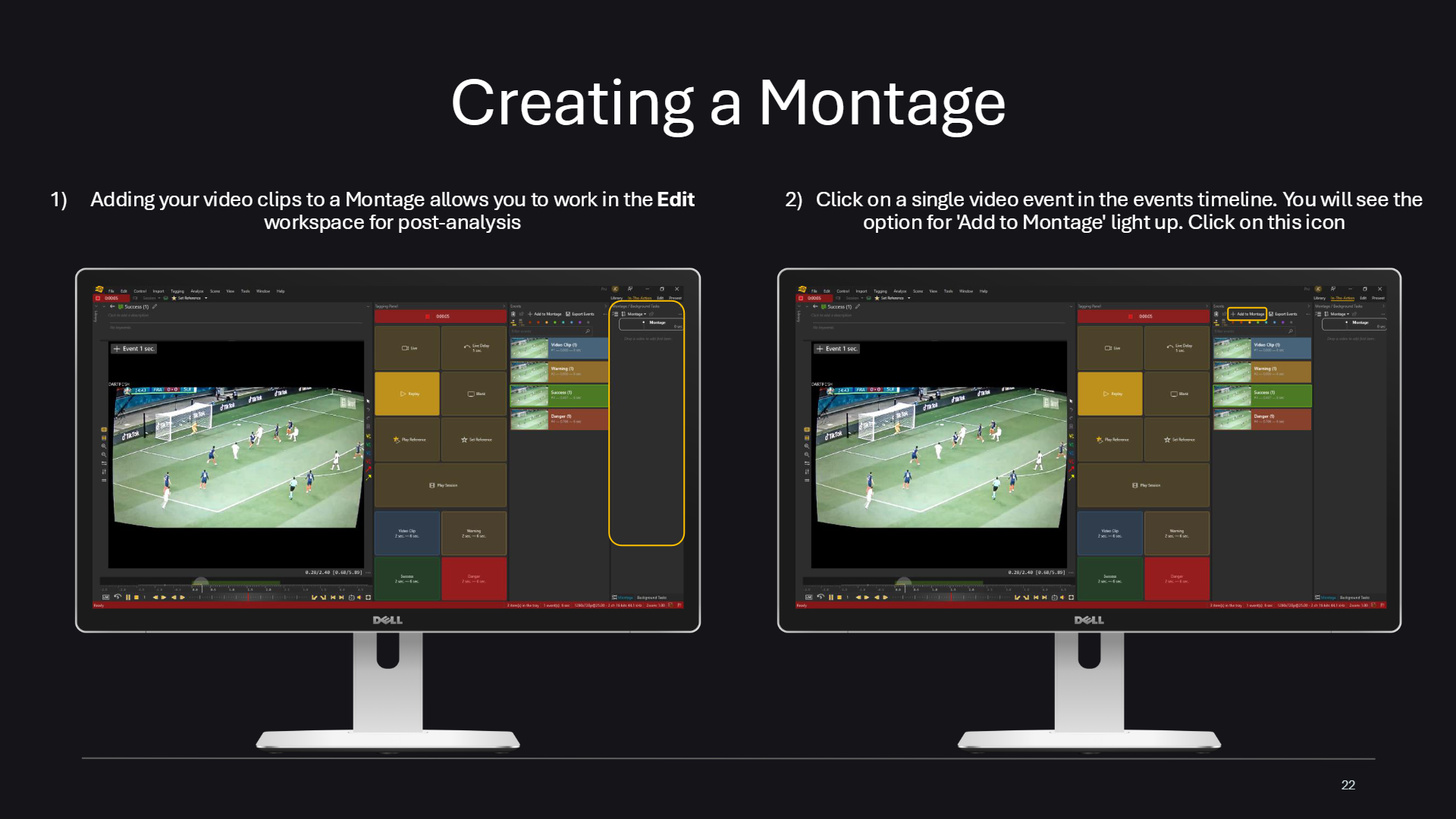
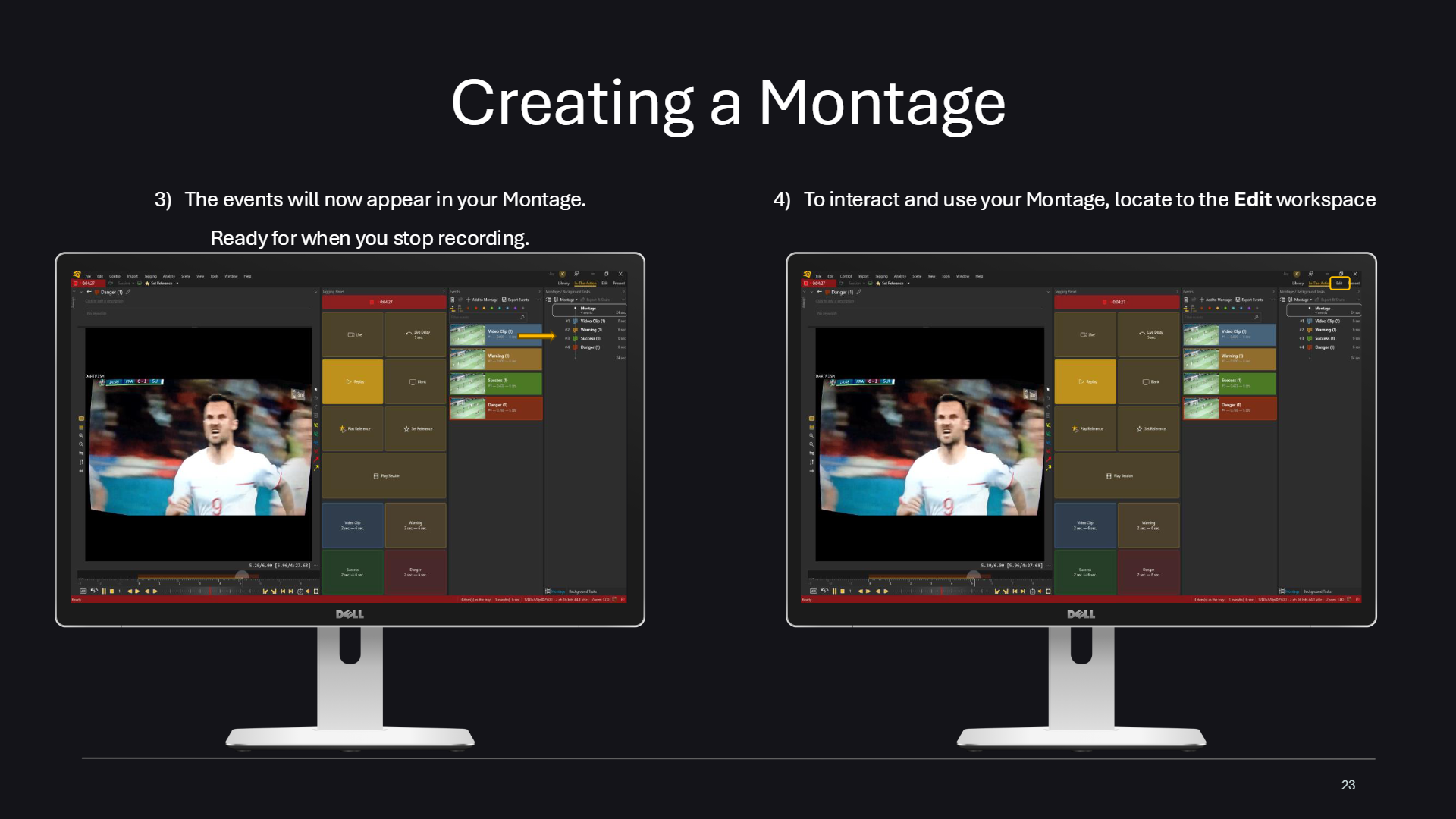
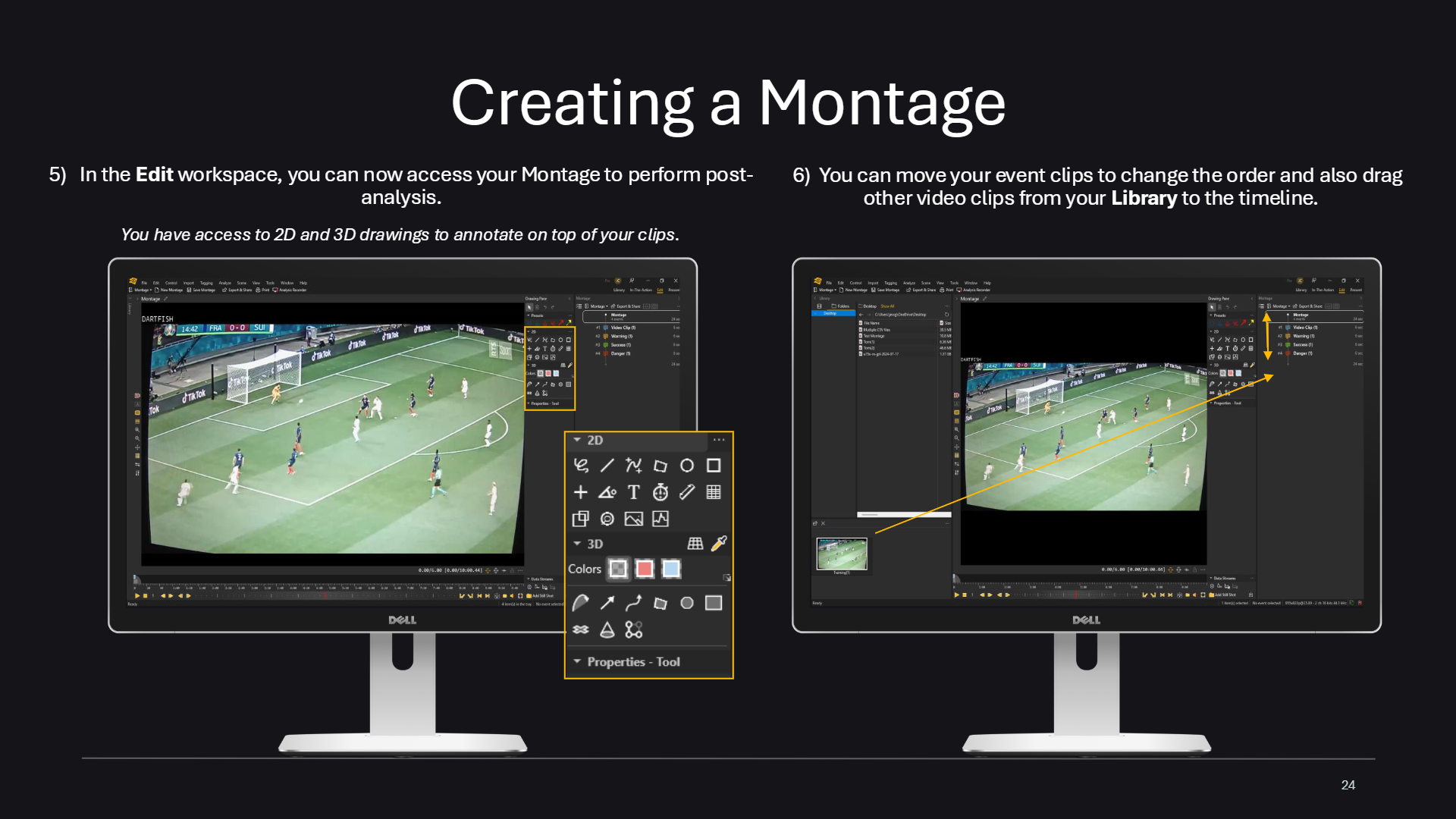
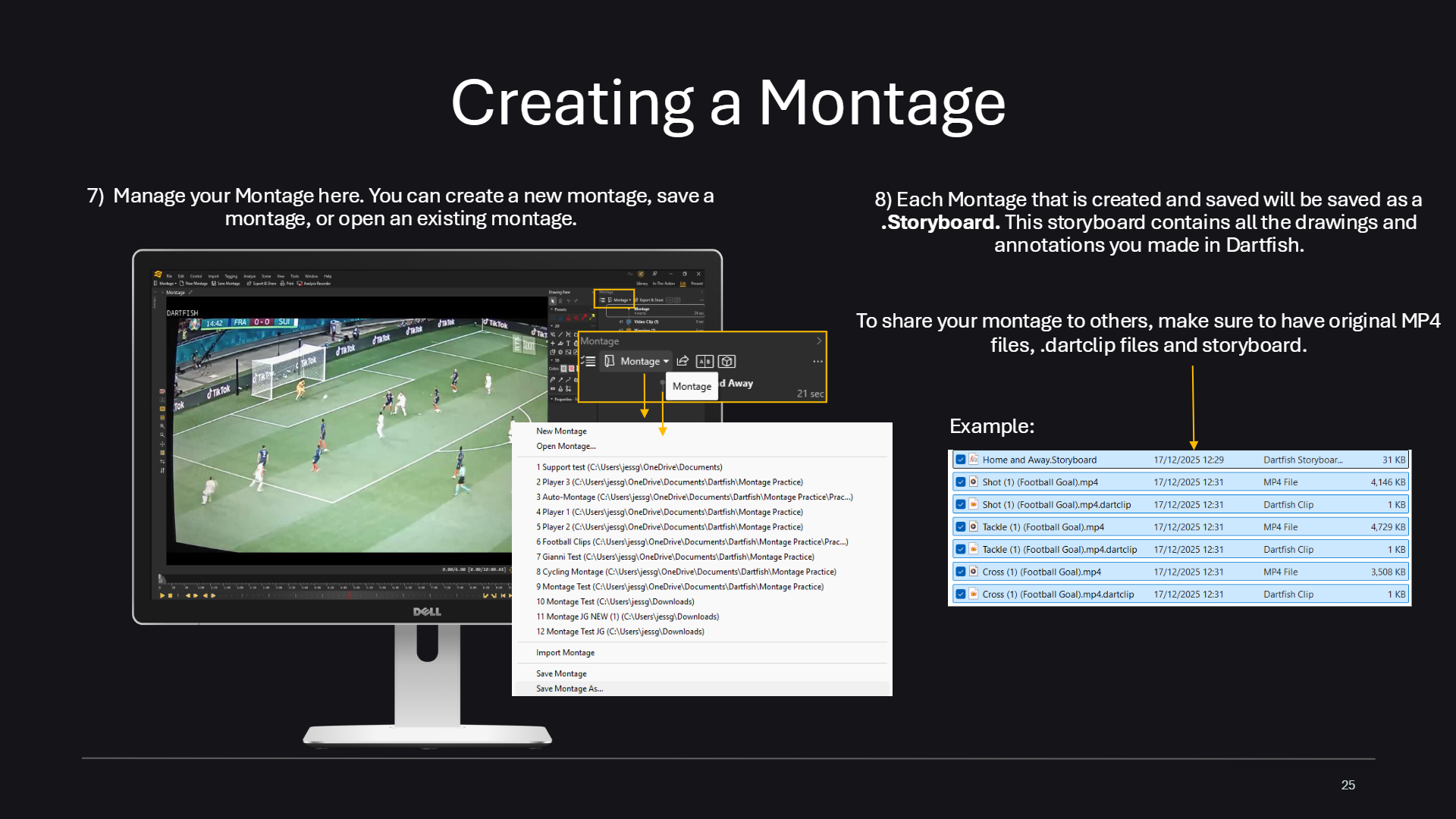
Learn how to compile important clips into a professional montage for presentation and review.

Modified on: Tue, 17 Nov, 2026 at 12:23 PM
Learn how to compile important clips into a professional montage for presentation and review.
Did you find it helpful? Yes No
Send feedback